Markdown to Email Formatter
Turn Markdown into conservative email HTML for Gmail and Outlook, plus a plain-text fallback. Review paste risks, then copy the output into your email composer.
Why pasted Markdown breaks in email
Gmail and Outlook do not behave like Markdown renderers. They rewrite HTML, spacing, fonts, and pasted content differently. Raw Markdown pasted directly often loses heading structure, list spacing, and code formatting.
depapel's job is narrower than "send an email." It converts Markdown into conservative email HTML plus a plain-text fallback before the paste step.
Proof before you paste into Gmail or Outlook
The tracked launch-update sample below shows the exact rich email HTML and plain-text fallback depapel prepares from one Markdown source before you paste into Gmail or Outlook.
Proof-backed email example
The same Markdown source becomes a subject suggestion, conservative rich email HTML, and a plain-text fallback before you paste into Gmail or Outlook.
Email HTML preview
Launch update
Paragraph with launch notes and owner updates.
- Review rollout
- ☑ Confirm the timeline
- ☐ Review the FAQ
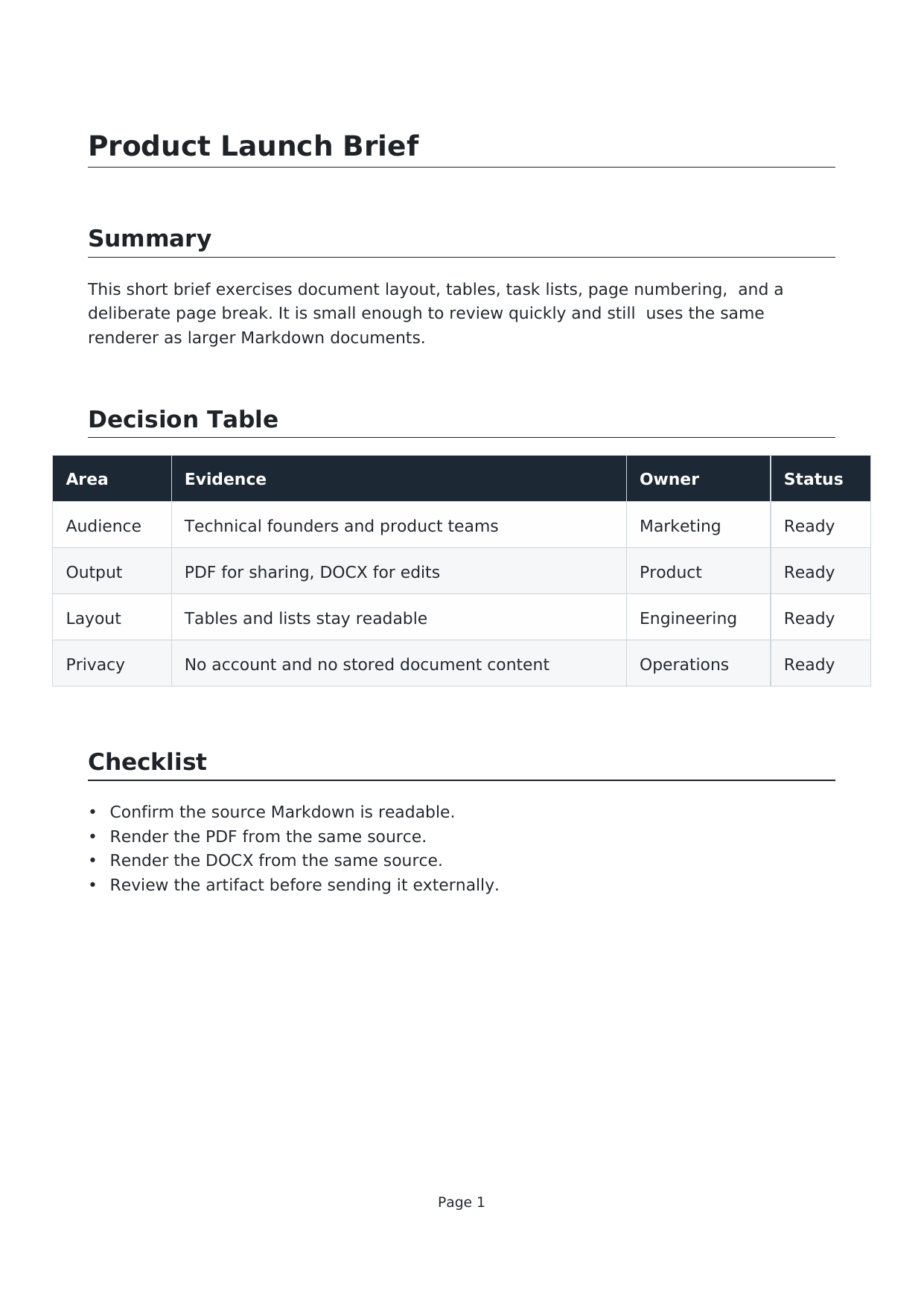
Subject: Launch updateWarnings: 3 renderer notes
What this proof shows
- Subject suggestion comes from the first heading.
- The table stays in the HTML output for rich-email review.
- The plain-text fallback keeps the same rollout structure for safer paste paths.
Renderer notes
- Document-only depapel controls were removed before the email output was built.
- The table stays in the email HTML, but it still needs a Gmail or Outlook paste check.
- The linked image stays in the HTML output, but remote images should be verified after paste.
Source Markdown · Rich email HTML proof · Plain-text fallback
How to turn Markdown into an email draft
- Paste Markdown, upload a .md file, or load a GitHub, GitLab, or Bitbucket file URL.
- Open the email preview.
- Review the subject suggestion, structure, and renderer notes.
- Copy the rich email HTML or the plain-text fallback into your email client.
What usually survives the email copy
- Headings, paragraphs, bullets, numbering, and blockquotes.
- Links, inline code, and code blocks with conservative inline styling.
- A plain-text fallback from the same Markdown source.
- Deterministic review notes when tables, images, or unsupported HTML appear.
What still needs a paste check
- Tables can render differently between Gmail and Outlook.
- Linked images should be verified after paste.
- Spacing around nested lists or code should be checked once in the final composer.
Honest limitation
depapel formats the email body and gives you copy buttons. It does not send through Gmail or Outlook, and it does not claim a universal success matrix for every email client. You should still do one final paste check in the composer you actually use.
Markdown to email questions
Why does pasted Markdown break in Gmail or Outlook?
Those composers rewrite HTML, spacing, fonts, and pasted content differently. Raw Markdown pasted directly often loses heading structure, list spacing, and code formatting.
How does depapel make Markdown safer for email paste?
depapel maps Markdown into conservative email HTML with inline styles plus a plain-text fallback. Headings, paragraphs, lists, blockquotes, links, and code stay structured, while unsupported HTML is simplified before you copy.
What still needs a paste check after copy?
Tables and linked images should still be verified after paste because Gmail and Outlook do not behave identically. depapel reduces the formatting risk, but it does not remove the need for one final compose check.
Why is there a plain-text email option too?
Plain text is useful when you need the safest paste path, when a recipient prefers text-only mail, or when your email client strips or rewrites HTML. depapel gives you both formats from the same Markdown source.
Does depapel send directly through Gmail or Outlook?
No. depapel formats the email body and gives you copy buttons. You still paste the result into Gmail, Outlook, or another email composer yourself.
Is this a full email template builder?
No. depapel targets a conservative email paste workflow first so the same HTML can be tested in Gmail and Outlook. It is not an ESP, drag-and-drop template builder, or direct sending system.
Open the editor, Markdown to PDF, read Markdown to Email for Gmail and Outlook, Markdown to LinkedIn, Markdown to WhatsApp, Markdown to Word, or read the FAQ.